Connecting and transferring files between KaiOS & macOS
KaiOS devices use the Media Transfer Protocol (MTP) to connect and transfer files to and from computers. Unlike other storage protocols like USB Mass Storage where devices are mounted as external drives, MTP works by masking them as virtual filesystems and communicating in files and folders, rather than byte blocks that form a data structure.
macOS doesn’t have the capability to mount MTP-based devices as virtual filesystems in Finder, although it has PTP support in the built-in Image Capture application. To view and move files between your KaiOS device and a Mac, you have to use Bluetooth or third-party programs such as Google’s Android File Transfer.
- Via Google’s Android File Transfer (macOS 10.7 to 27)
- Via Bluetooth
- Via Android Debug Bridge (ADB)
- See also
Via Google’s Android File Transfer (macOS 10.7 to 27)
Android File Transfer was compiled for Intel x86_64 architecture only. Starting with macOS 28, Apple will no longer include the Rosetta 2 translation layer in macOS, which ceases the operation of the app. Apple Silicon Mac users on that macOS version onwards should look into alternative options below.
Before deprecating and removing in favour of Quick Share, Google developed and published a free macOS application called Android File Transfer. It allows Mac computers to directly access the internal storage of Android devices and manage or copy files between them over a USB cable. You can also use this application with KaiOS devices.
Currently, the application is still available on Google’s servers and can be downloaded by going to:
Download AndroidFileTransfer.dmg from dl.google.com Download from Internet Archive
Or, if you have Homebrew installed, type and execute this command in Terminal:
brew install --cask android-file-transfer
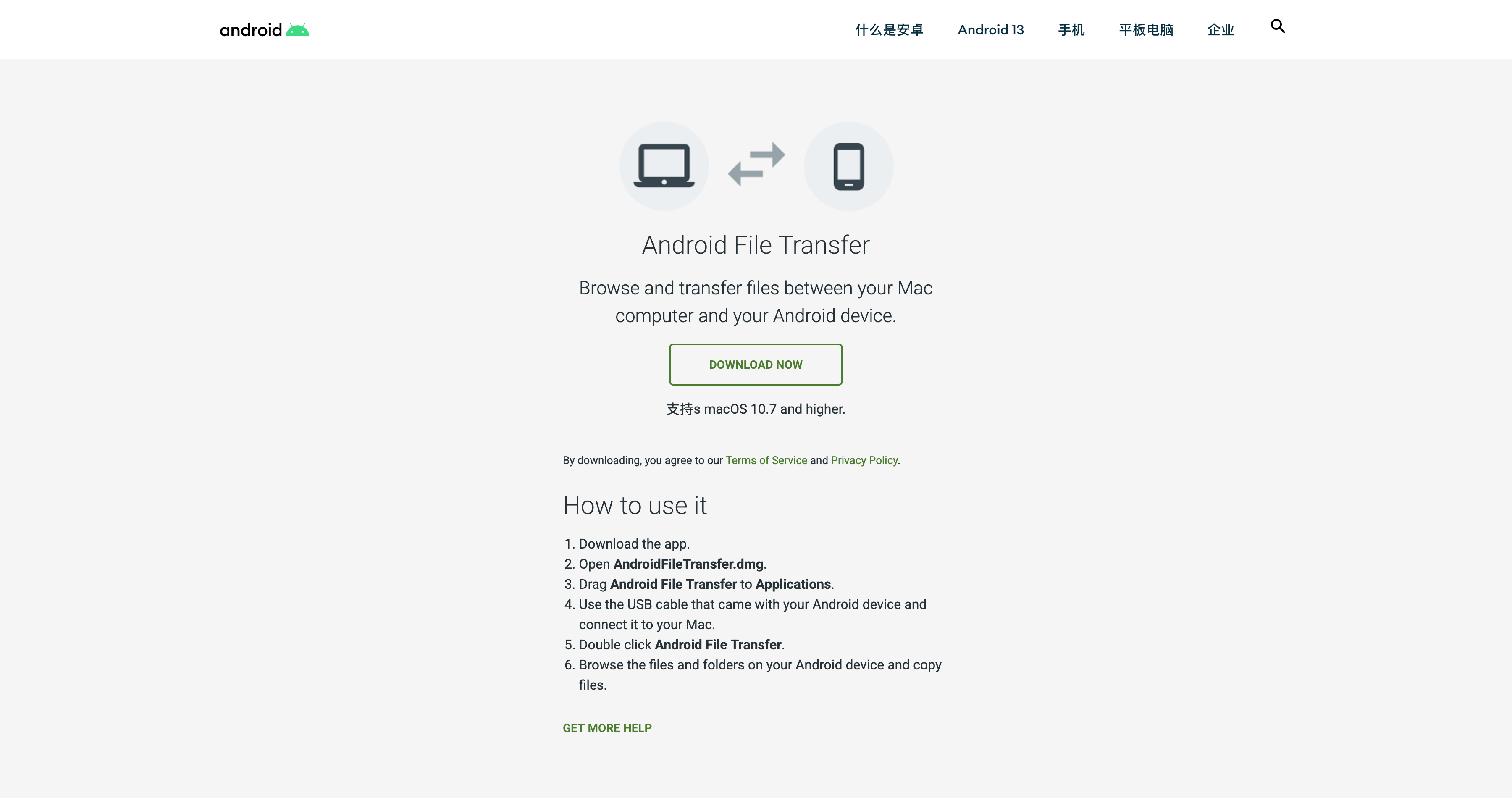
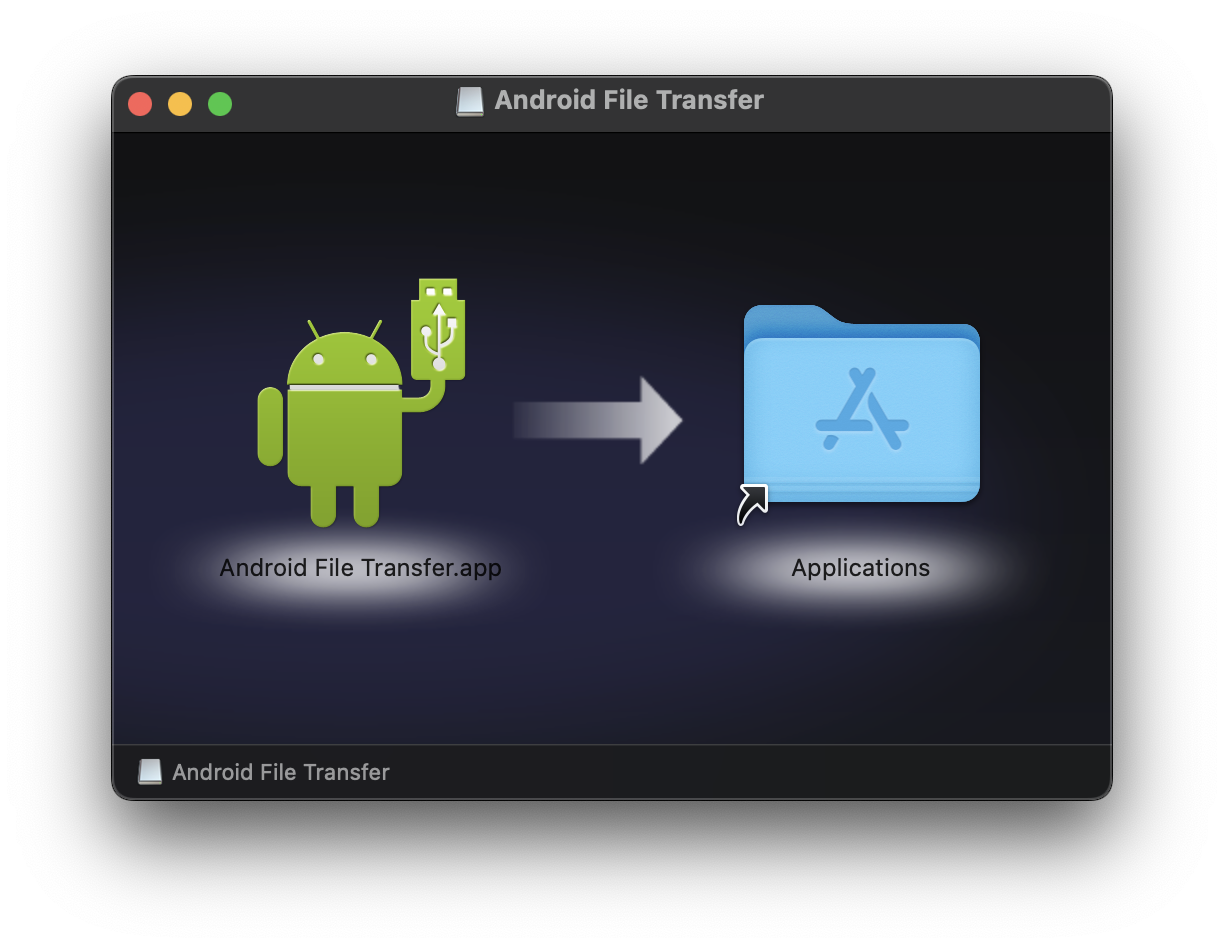
Open the AndroidFileTransfer.dmg file you’ve just downloaded and install the Android File Transfer program by dragging the application icon to the Applications folder. On your KaiOS device, open Settings, Storage and turn on USB Storage, then connect it to your Mac with a USB cable.
Open the Android File Transfer application, and press Allow when Gatekeeper verifies the app and asks if you want to open it. You should now be able to view files on your phone in the dedicated file browser, move files from and to the phone by dragging the files (or folders) away or into the Android File Transfer window.

You can switch between the phone’s internal storage and the SD card by clicking the title of the window.
Note that Google Drive or the macOS Preview app, when opened, may interfere with how Android File Transfer detects your device. If you’re stuck at “No Android devices found” while they’re opened, you may quit them and try again.
OpenMTP
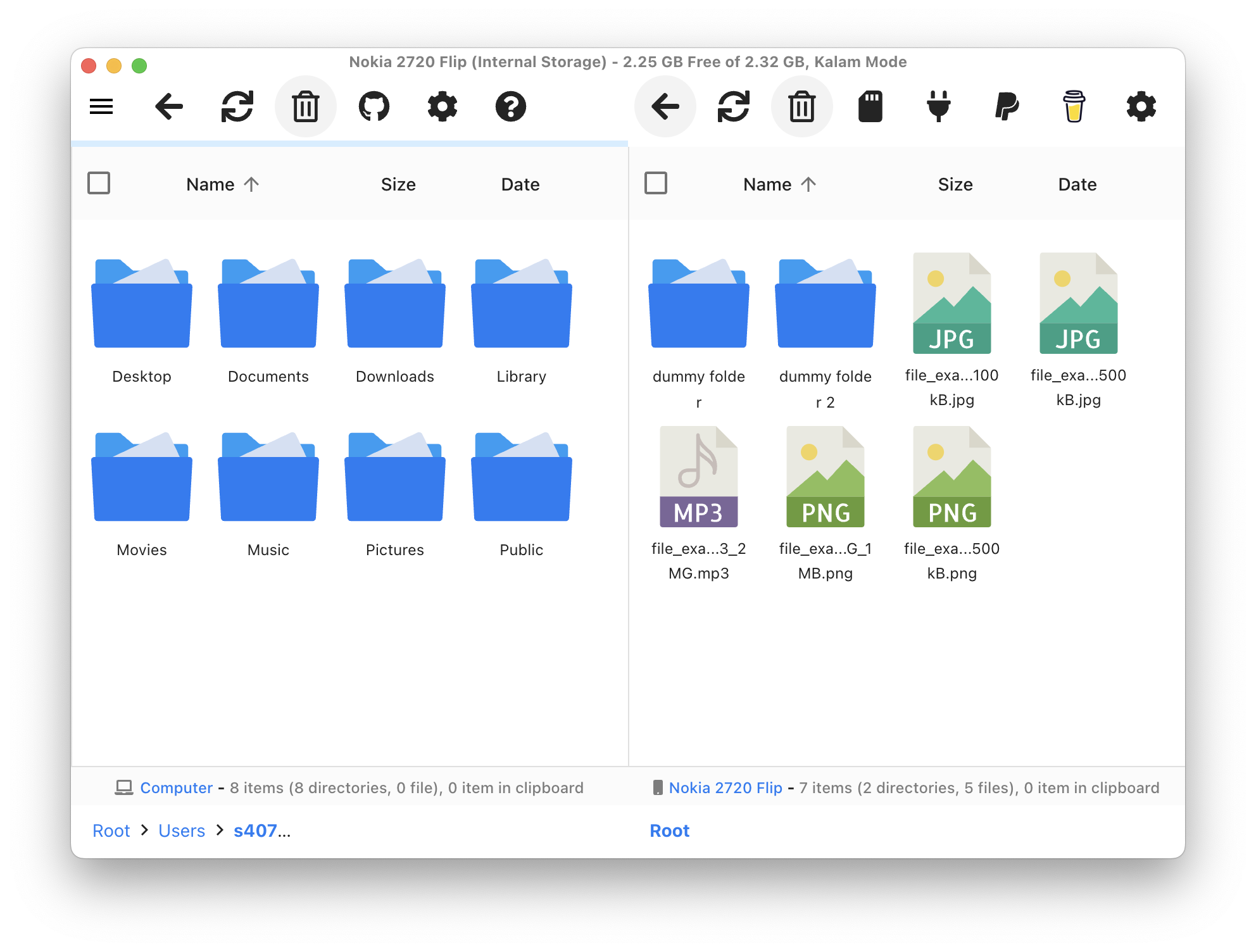
OpenMTP is a free, open-source application for browsing and transferring files between macOS and devices connected via MTP. It has been ported to Apple Silicon Macs and serves as a modern alternative to Android File Transfer.
Source code for OpenMTP is available on GitHub at https://github.com/ganeshrvel/openmtp.
Download the Intel or Apple Silicon version corresponding to your machine on the OpenMTP homepage. Open the file you downloaded and drag the OpenMTP application icon to the Applications shortcut folder.
On your KaiOS device, open Settings, Storage and turn on USB Storage, then connect it to your Mac with a USB cable.
Open OpenMTP and you should now see your phone storage
Via Bluetooth
Via Android Debug Bridge (ADB)
See also
-
Media Transfer Protocol and USB Mass Storage on Wikipedia (English)
MTP was originally developed by Microsoft for Windows Media Player, and saw adoption on Android devices in 2011 with the release of Android 4.0 Ice Cream Sandwich. Because MTP acts as an abstraction layer, on the one hand, the host device doesn’t need to expose a separate compatibility filesystem for the client. It allows the host to remain in full control of its filesystem, and eliminates the risk of file corruption if the device is unplugged while writing.
On the other hand, due to its nature, file recovery cannot be done over MTP, and only one file transfer operation can occur at a time. Many systems also don’t mount MTP-based devices as drives and assign drive letters to them.
-
Using MTP on macOS with Node.js by Gerrit Niezen